My lead gave me 30 AI mockups and said "just polish them a bit": how Figma MCP helps (webtoon)
A short webtoon about a situation many designers know: the planning lead hands over 30 AI-generated mockups and asks you to make them "just a little b

A short webtoon about a situation many designers know: the planning lead hands over 30 AI-generated mockups and asks you to make them “just a little better” by tomorrow. Here’s why that’s hard, and a practical way out.
Why “just polish the AI mockups” is a big ask
AI mockups look convincing, but they ignore your team’s components, spacing and color rules. “A little polish” quietly becomes redrawing every screen.

Rebuild on your own design system with Figma MCP
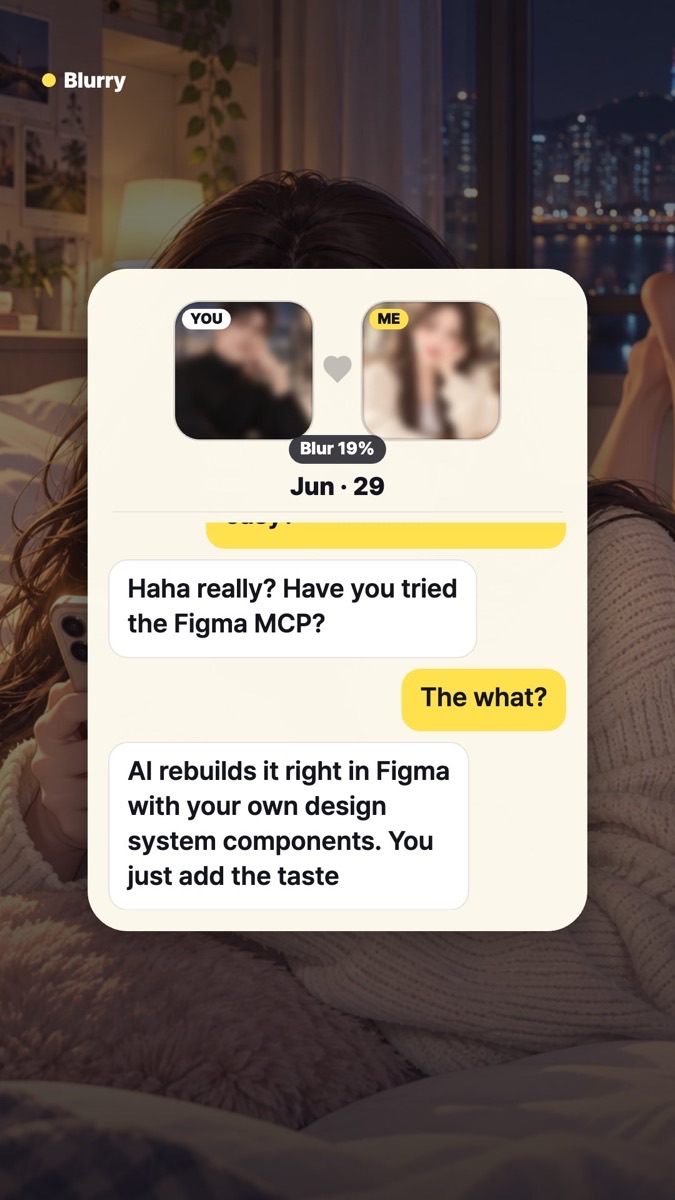
The Figma MCP server is Figma’s official way to let AI agents (Claude Code, Cursor, Codex and others) read and write Figma files. With the remote server’s write-to-canvas feature, an agent can create frames, components, variables and auto layout directly in Figma using your design system as the source of truth.
- Treat the AI mockups as reference, and regenerate real screens with your components
- The output is editable Figma layers, not a flat image
- You spend your time on hierarchy, tone and detail: the taste
Before you try it
Writing to the canvas needs a Full seat on a paid plan. It’s free during the beta and will become a usage-based paid feature later. (Source: Figma Help – Guide to the Figma MCP server)
And that night…

The chat in this webtoon happens on Blurry, a dating app where photos start blurred and get clearer the more you talk. Watch the short: YouTube
*This webtoon is fictional; the characters are not real people.